Block category: Layout Elements

Publicado: 1 noviembre, 2018 |

Block category: Layout Elements

The Layout Elements category includes the following blocks: Group, Button, Columns, Media & Text, separator, spacer, read more, and page break.

This group block has a light green background color.

The read more block should be right below this text, but only on list pages of themes that show the full content. It won’t show on the single page or on themes showing excerpts.

The columns:

Column two.

Column three.

Column four.
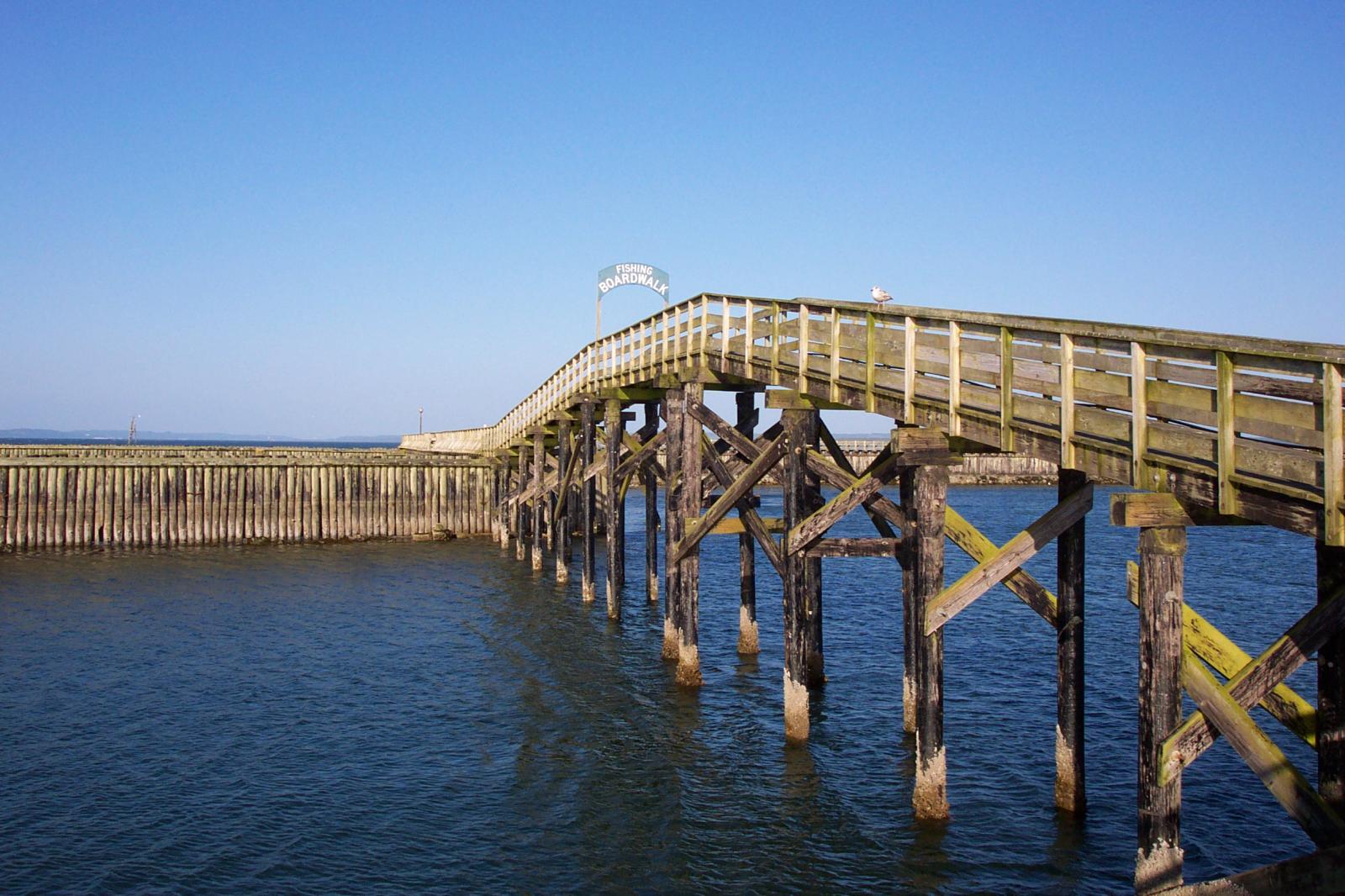
Boardwalk

Media &Text

For displaying media and text next to each other. By default, the media is to the left.

Golden Gate Bridge

This time our block is full width, and the image is to the right.

The background color is a pale blue. 

Test to make sure that the editor and the front match. To test the Stack on mobile setting, reduce the browser window width.

The control these settings, the block uses the css classes «has-media-on-the-right» and «is-stacked-on-mobile».

The separator has three styles: default, wide line, and dots.


The spacer block has a default height of 100 pixels:

And finally, the page break:



Deja una respuesta

Tu dirección de correo electrónico no será publicada. Los campos obligatorios están marcados con *


Otros artículos de la categoría Block


SMiLE-v6

WP 6.1 Font size scale

This test post was generated using the block theme Emptytheme in WordPress 6.1.1. Small H2 Heading Medium H2 Heading Large H2 Heading Extra Large H2 Heading Small paragraph Medium paragraph Large paragraph Extra Large paragraph


Publicado: 16 enero, 2023

SMiLE-v6

WP 6.1 spacing presets

This test post was generated using the block theme Emptytheme in WordPress 6.1.1. On this page, some group blocks have border or background color set to increase visibility. This group has a no background color and no additional spacing set. This group has a background color but no additional spacing set. This group has a […]


Publicado: 16 enero, 2023

Wind Farm

WP 6.1 Theme block category

This test post was generated using the block theme Emptytheme in WordPress 6.1.1. Navigation block with page list: Site logo: Site title: Tagline block: Query loop «Title & Date» variation: Query loop «Title & Excerpt» variation: Query loop «Title, Date & Excerpt» variation: Query loop «Image, Date & Title» variation: Avatar block: Post title block: […]


Publicado: 13 enero, 2023

SMiLE-v6

WP 6.1 Widgets block category

This test post was generated using the block theme Emptytheme in WordPress 6.1.1. Archives block: Categories list: Custom HTML: test Latest comments: Latest posts: Page list block: RSS block: Shortcode block: Social links: Tag cloud:


Publicado: 13 enero, 2023

SMiLE-v6

WP 6.1 Design category blocks

This test post was generated using the block theme Emptytheme in WordPress 6.1.1. One single column inside a columns block. Column one. The background color is on the single column. Column two Column one. The background color is on the parent columns block. Column two Column three Group with paragraph inside. Below are the group […]


Publicado: 13 enero, 2023

SMiLE-v6

WP 6.1 Media category blocks

This test post was generated using the block theme Emptytheme in WordPress 6.1.1. Image block: Gallery: Audio: Cover: This is the Media & Text block with an image on the left. This is the Media & Text block with a cropped image on the left This is the Media & Text block with a video […]


Publicado: 13 enero, 2023

SMiLE-v6

WP 6.1 Text category blocks

This test post was generated using the block theme Emptytheme in WordPress 6.1.1. Paragraph H1 Heading H2 Heading H3 Heading H4 Heading H5 Heading H6 Heading Quote block citation classic block Preformatted block Pull quote Citation table cell table cell two table cell three table cell four Table caption header label one header label two […]


Publicado: 13 enero, 2023

SMiLE-v6

Block: Image

Welcome to image alignment! If you recognize this post, it is because these are blocks that have been converted from the classic Markup: Image Alignment post. The best way to demonstrate the ebb and flow of the various image positioning options is to nestle them snuggly among an ocean of words. Grab a paddle and […]


Publicado: 3 noviembre, 2018

SMiLE-v6

Block: Button

Button blocks are not semantically buttons, but links inside a styled div.  If you do not add a link, a link tag without an anchor will be used. Check to make sure that the text wraps correctly when the button has more than one line of text, and when it is extra long. Buttons have […]


Publicado: 3 noviembre, 2018

SMiLE-v6

Block: Cover

The cover block lets you add text on top of images or videos. This blocktype has several alignment options, and you can also align or center the text inside the block. The background image can be fixed and you can change its opacity and add an overlay color. Make sure that the text wraps correctly […]


Publicado: 3 noviembre, 2018

Boat Barco Texture

Block: Gallery

Gallery blocks have two settings: the number of columns, and whether or not images should be cropped. The default number of columns is three, and the maximum number of columns is eight. Below is a three column gallery at full width, with cropped images. Some more text for taking up space. A two column gallery, […]


Publicado: 3 noviembre, 2018

SMiLE-v6

Block: Columns

This page tests how the theme displays the columns block. The first block tests a two column block with paragraphs. This is the second column. It should align next to the first column. Reduce the browser window width to test the responsiveness. This is the second column block. It has 3 columns. Paragraph 2 is […]


Publicado: 2 noviembre, 2018